Audio · PiP
Livestream captions that float on top.
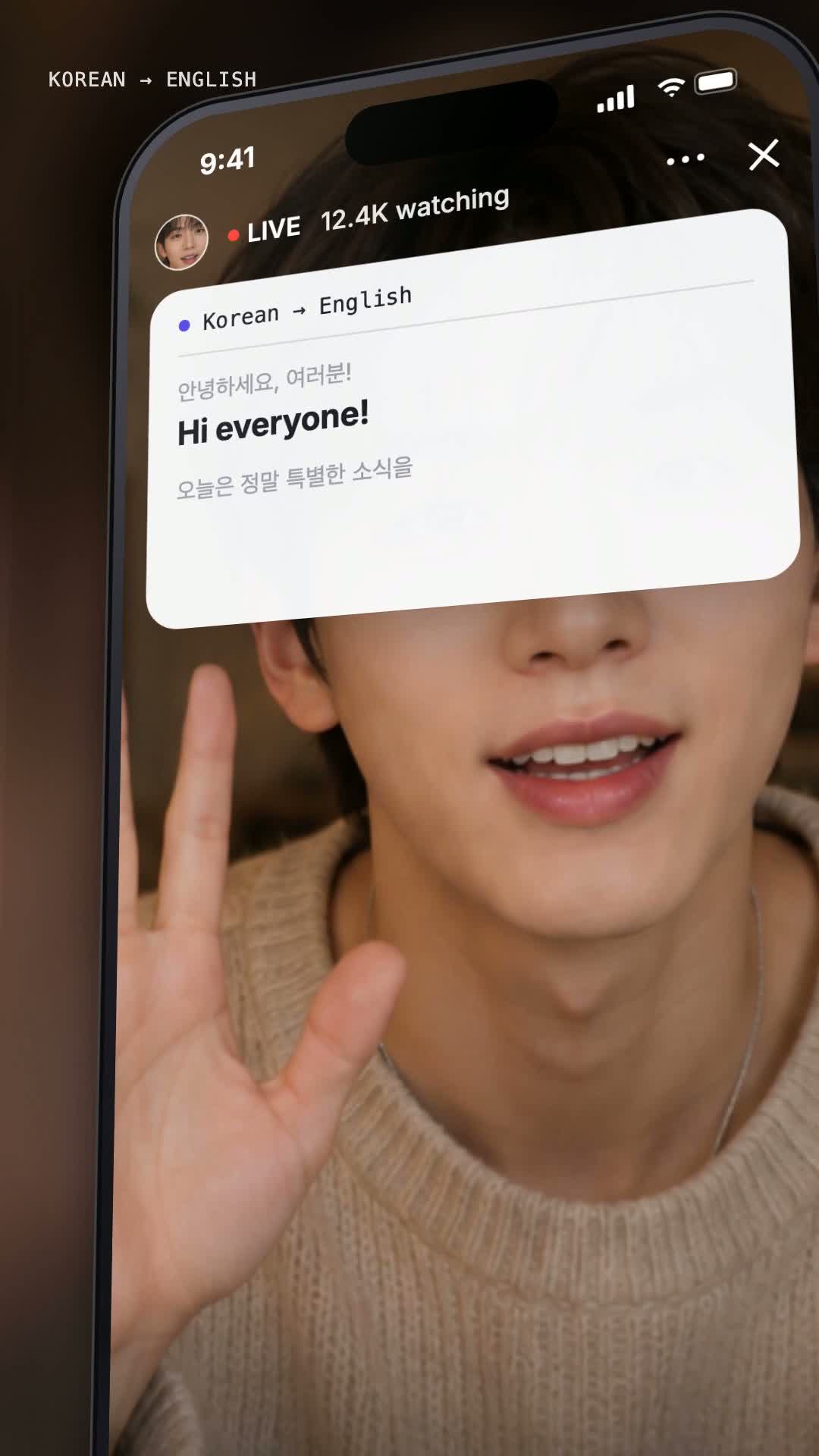
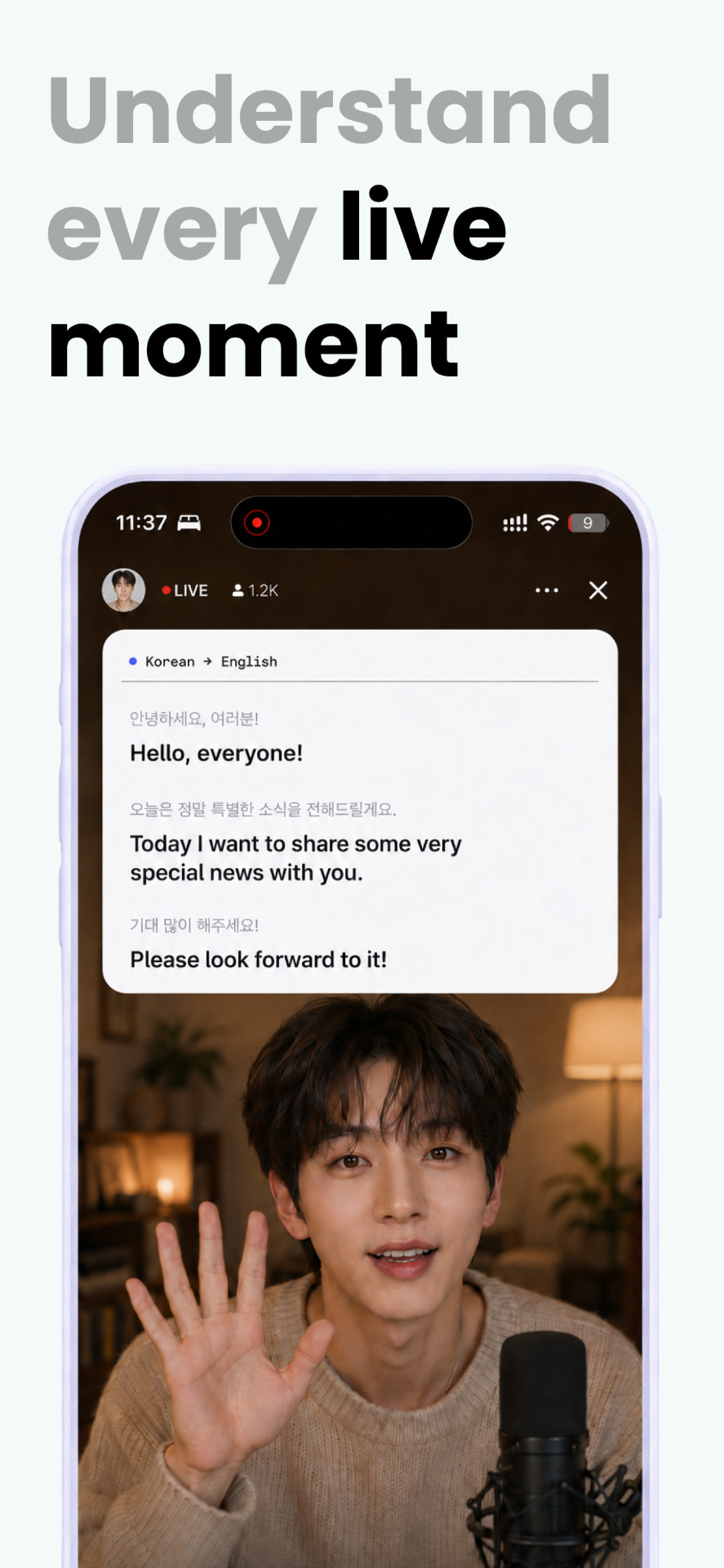
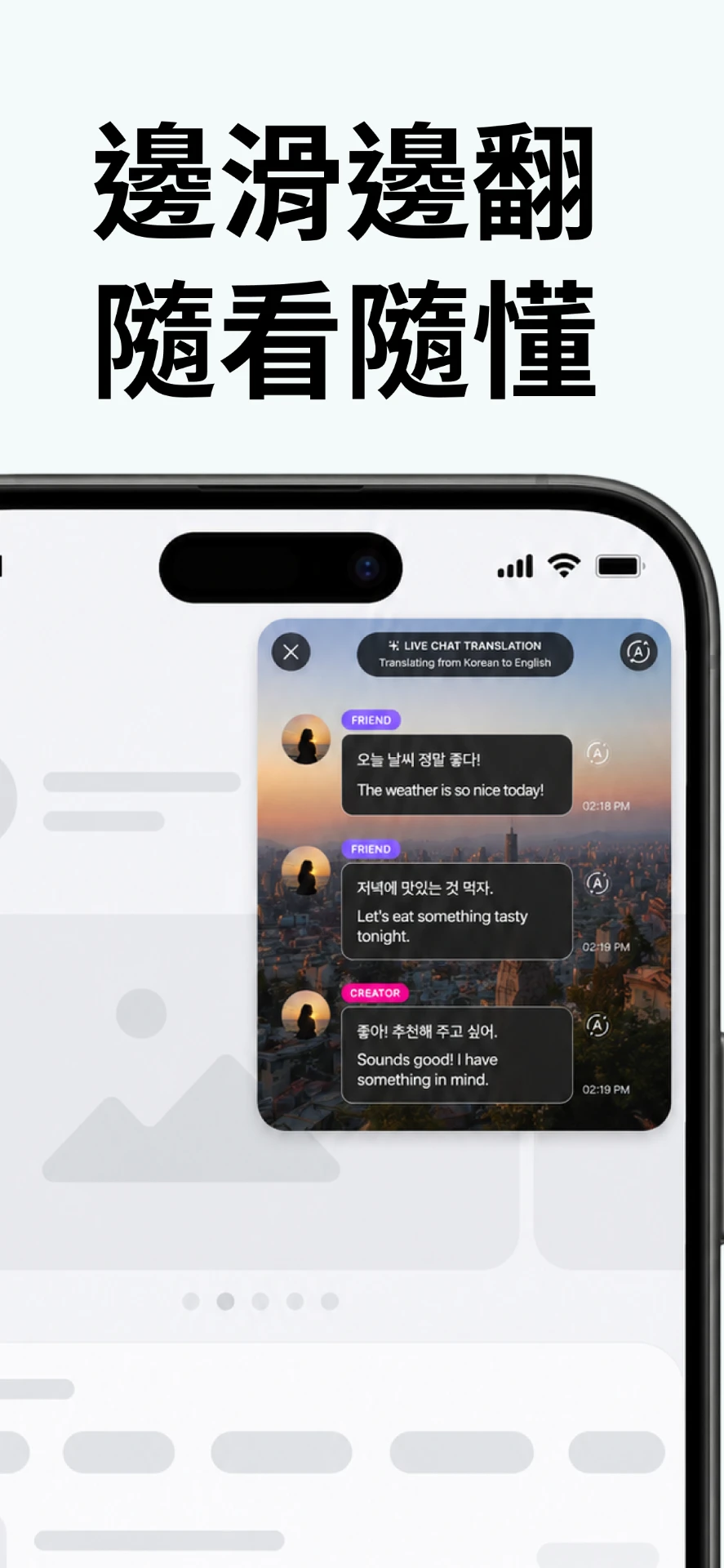
Capture another app's audio through iOS Screen Broadcast and read the translation in a picture-in-picture overlay that stays above Weverse, YouTube or Bubble.
FOR THE MOMENTS YOU DON'T WANT TO MISS
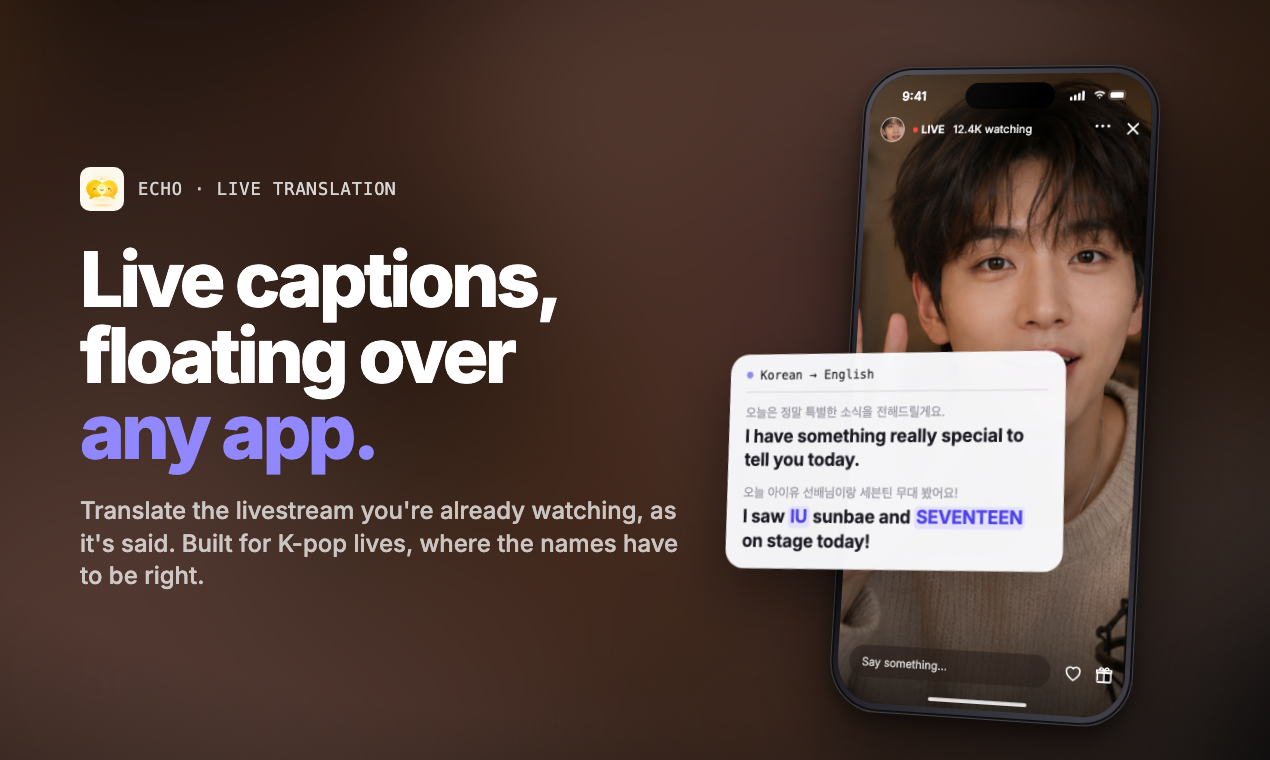
Live translation for K-pop livestreams, chats and the world around you. Captions float over the app you're already watching.
Free download · 5 minutes of translation free every day
iPhone & iPad · iOS 26+ · English · 简体中文 · 繁體中文
Keep watching on your favorite platforms
Three modes
Start with the livestream. Keep it for menus, meetings and the train station.
Audio · PiP
Capture another app's audio through iOS Screen Broadcast and read the translation in a picture-in-picture overlay that stays above Weverse, YouTube or Bubble.
Screen
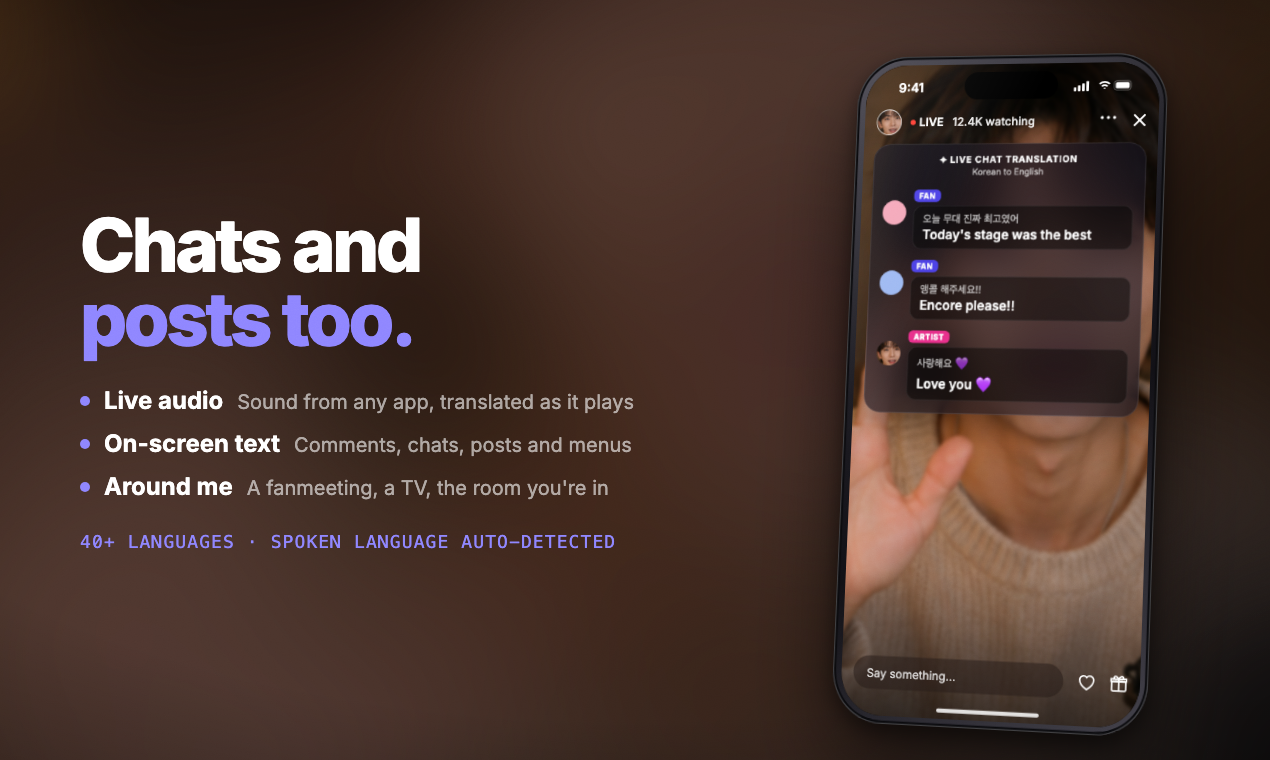
Bubble messages, fan-cafe posts, menus and PDFs — captured through Screen Broadcast and translated live.
Around Me
Point your iPhone at the conversation. Echo captions nearby speech through the microphone — concerts, cafés, meetings, family dinners.
Why Echo
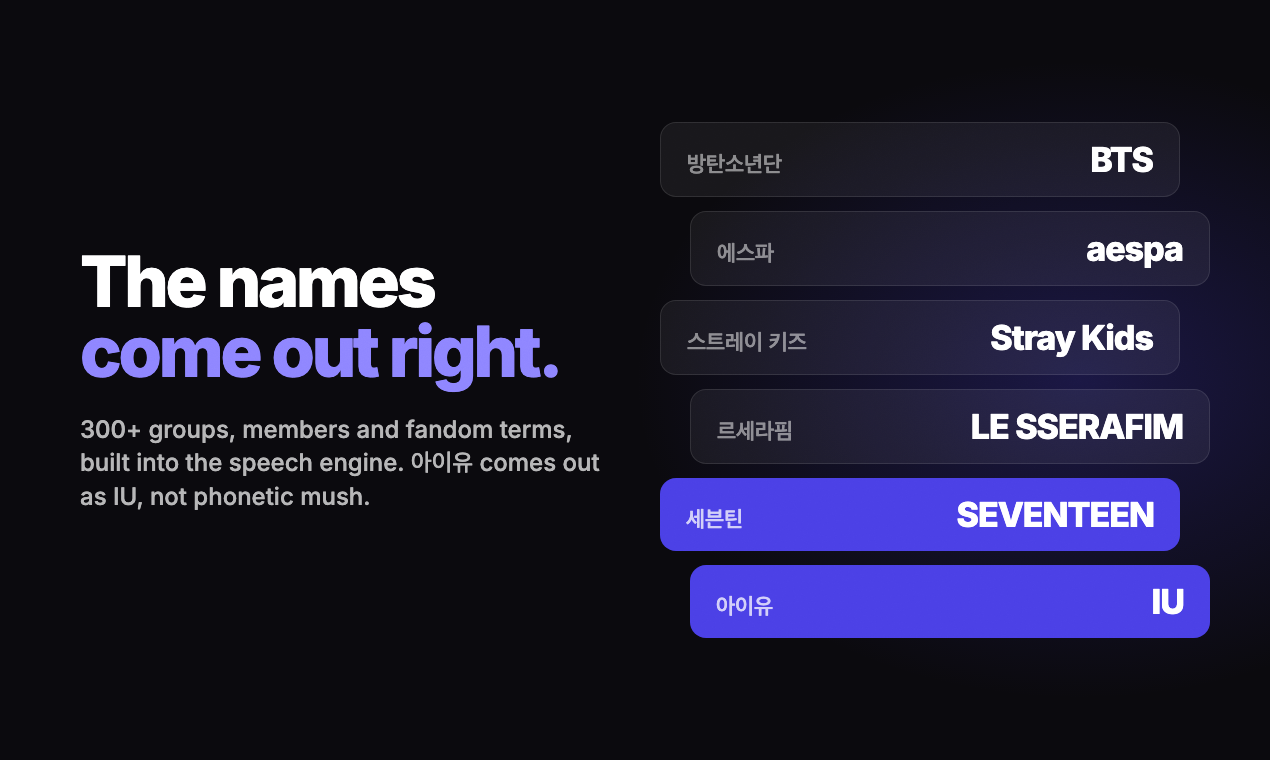
IU. SEVENTEEN. Stray Kids. Echo's K-pop glossary helps keep the names and fandom words you know recognizable, even when the conversation moves fast.
K-pop fandom glossarySee it in action
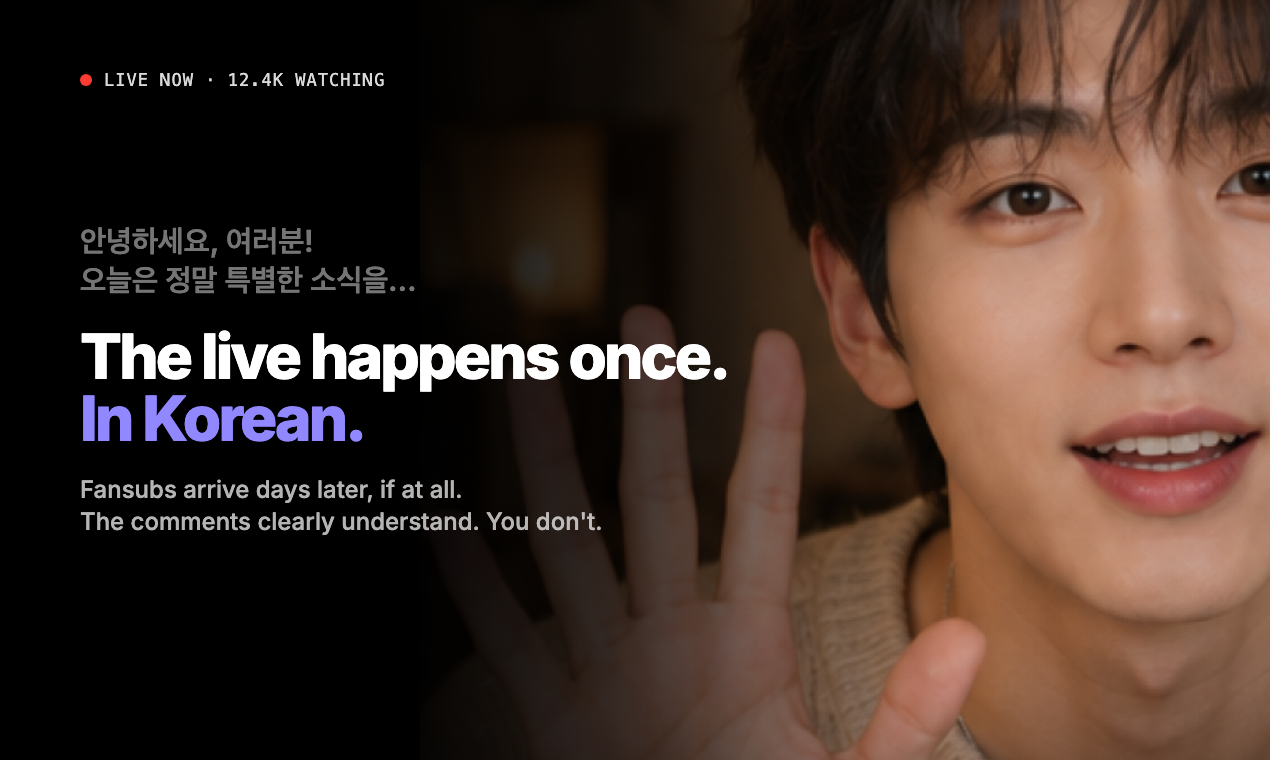
Watch Echo in action: floating captions, K-pop names, live chat and moments worth keeping.
How it works
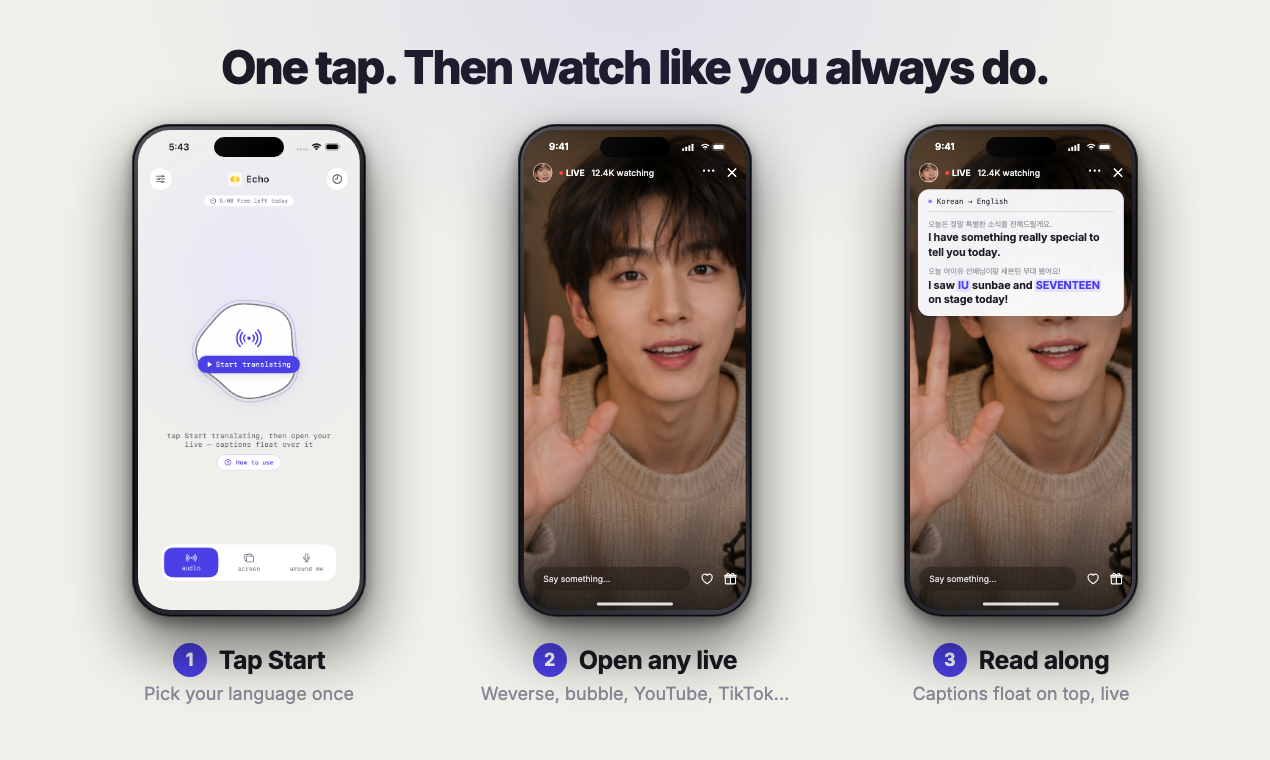
Audio for a livestream, Screen for on-screen text, Around Me for the room.
Korean, English, Simplified Chinese and Traditional Chinese, with on-device translation whenever the pair supports it.
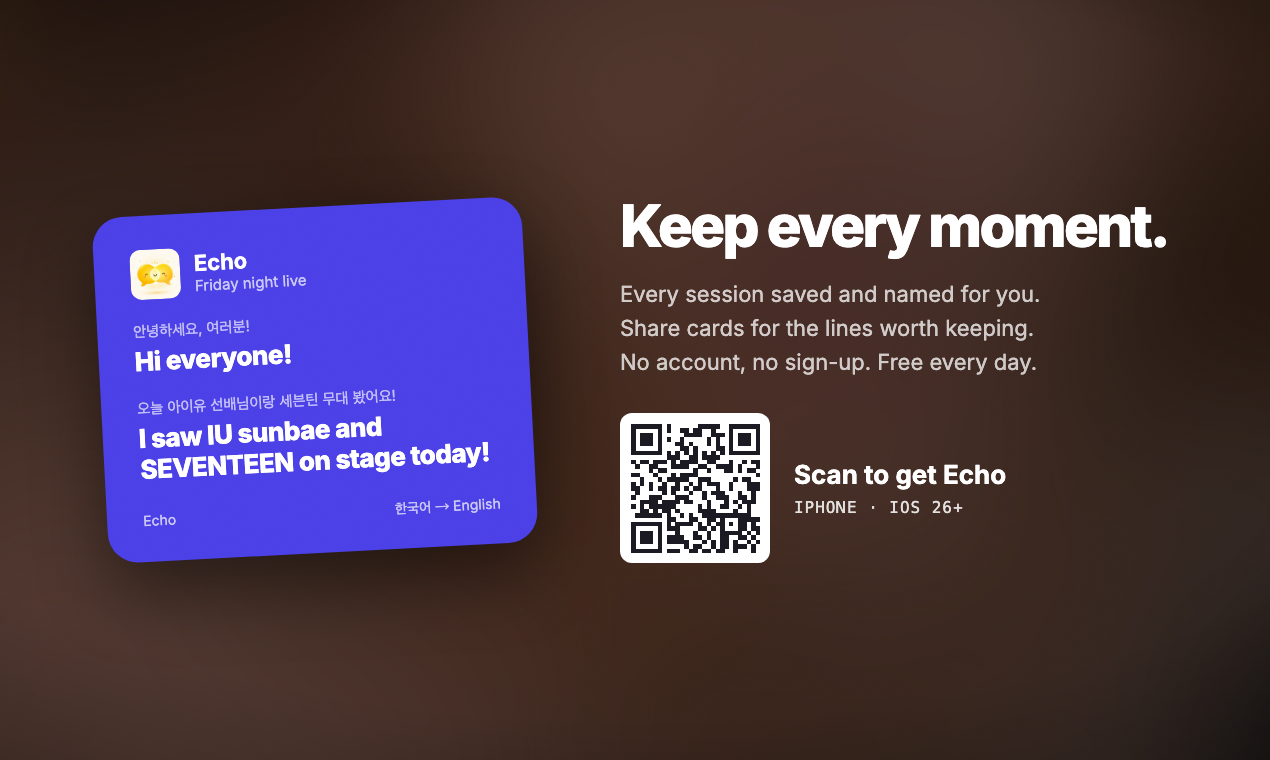
Captions stream in a floating overlay while the stream keeps playing. Save, copy or share the lines that matter.

Pricing
Start with a 3-day free trial on the weekly plan, or buy a single Day Pass with no subscription at all.
$0
5 minutes of translation every day. No account needed.
$2.99/week
3-day free trial on the weekly plan. Converts to a paid subscription unless cancelled at least 24 hours before it ends.
$5.99/month
$39.99/year
Save 44% vs monthly
$1.99 one-time
No subscription. No auto-renew.
Prices shown in USD. Prices are set per territory in App Store Connect, so your local price may differ — the App Store always shows the exact amount before you buy.
Subscriptions auto-renew until cancelled. Payment is charged to your Apple ID at confirmation of purchase and renews within 24 hours before the end of the current period. Manage or cancel in Settings › Apple ID › Subscriptions.
5 minutes free every day. All features. No account needed.
A real person answers
Some lines are worth keeping.
Partly. When your device and language pair support Apple's on-device speech and translation models, Echo works without a connection. Otherwise it uses Microsoft Azure AI Speech & Translator and needs internet.
Echo translates Korean, English, Simplified Chinese (简体中文) and Traditional Chinese (繁體中文). The app interface is available in English, 简体中文 and 繁體中文.
Echo processes audio to produce captions. On-device processing stays on your phone; when cloud translation is required, the transcript is sent to Microsoft Azure AI Speech & Translator only to return the translation. Translation history is saved locally on your device and you can delete it in the app.
Translation pauses until your daily 5 minutes reset. You can keep using the app, upgrade to Echo Plus, or buy a Day Pass for 90 minutes valid 24 hours.
Open Settings › Apple ID › Subscriptions on your iPhone and cancel Echo Plus there. Cancel at least 24 hours before the period ends to avoid the next charge. The Day Pass is a one-time purchase, so there is nothing to cancel.
Yes — Audio mode uses iOS Screen Broadcast to capture the app audio you choose, and shows captions in a floating overlay. Some apps and protected media may block, mute or restrict capture; Echo does not bypass those protections.
iPhone and iPad on iOS 26 or later. Screen mode, Audio mode and the picture-in-picture overlay require a physical device.

Echo is a free download with 5 minutes of translation every day — no account, no card.
Echo Plus from $2.99/week with a 3-day free trial, or a $1.99 Day Pass with no subscription. Local pricing applies.
Echo