
How to Catch Weverse Lives on Time in Every Timezone
Published 2026-09-01 · 3 min read
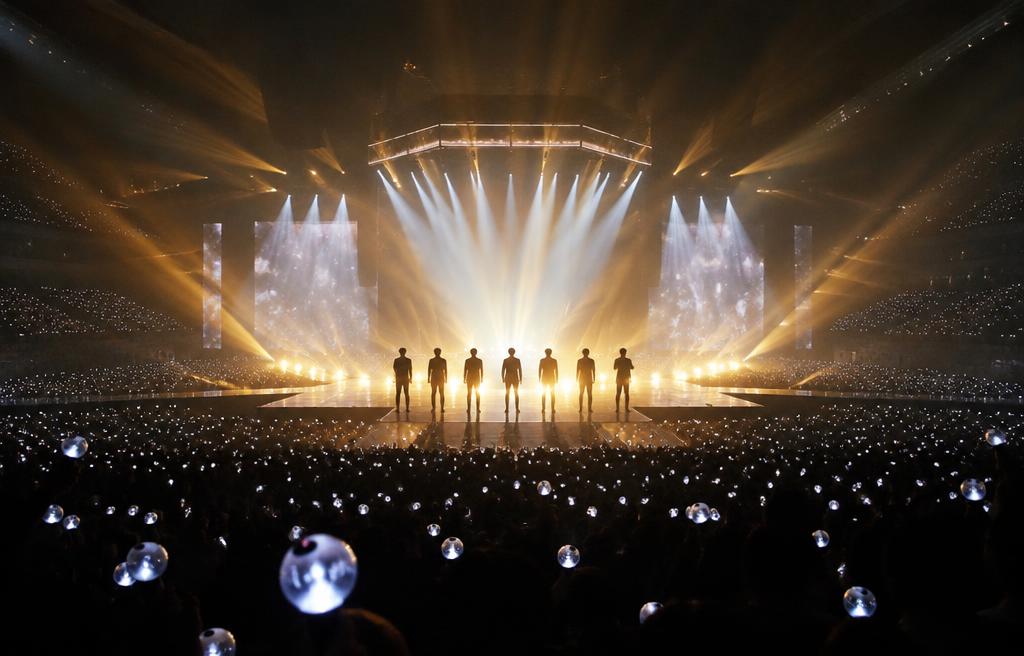
For K-pop fans, missing a live broadcast from your favorite idol is a universal heartbreak. Because these streams are usually unannounced and happen in the middle of the Korean day or night, fans around the world constantly struggle with timezone math and missed notifications.
Fortunately, with a few quick adjustments to your phone settings and the right tools, you can ensure you are always there to support your favorite artists the second they press 'Start'. Here is your guide to mastering timezone differences and catching every live broadcast.
Understanding the Challenge of K-Pop Timezones
As a K-pop fan, there is nothing quite like the rush of seeing a notification that your favorite artist has just gone live. Whether they are chatting in their studio, eating a late-night snack, or showing off a new hair color, these unfiltered moments build the strongest connections between idols and fans. But because K-pop operates on Korean Standard Time (KST), keeping up can feel like a full-time scheduling job.
Depending on where you live, a casual afternoon stream in Seoul could mean a 3:00 AM wake-up call or a disruption right in the middle of your workday. Missing these moments hurts, especially when you want to send real-time encouragement or catch inside jokes before they get edited out in the archived uploads.
- The unpredictable nature of impromptu, late-night broadcasts.
- Missing the crucial notification when your phone is in Silent or Do Not Disturb mode.
- Manually calculating Korean Standard Time (KST) to your local timezone during busy hours.
How to Set Up Your Device for Instant Live Alerts
To make sure you never miss a broadcast, you need to optimize your device's notification settings. Start by going to your phone's system settings and ensuring that notifications for your preferred fan platforms are set to 'Immediate' and allowed to bypass scheduled summaries. On iOS, you can even set up a custom 'Focus Filter' to allow alerts from these specific apps even when you are studying or working.
Another great tip is to pin your favorite artists' official communities. On most platforms, you can toggle individual notification settings for each artist. Make sure you have enabled notifications not just for official posts, but specifically for 'Live Broadcasts' and 'Media Uploads' so your phone only rings when they actually go live.
Converting KST to Your Local Time Zone Made Simple
Since most announcements or scheduled countdowns are shared in Korean Standard Time, keeping a quick mental conversion guide handy can save you from doing frantic math. Because South Korea does not observe Daylight Saving Time, keep in mind that the gap between your local time and KST might shift by an hour twice a year if your region observes DST.
For scheduled streams, like comeback countdowns or anniversary talk shows, using your phone's built-in World Clock widget is highly recommended. Add Seoul to your home screen so you can check the time difference in a single glance before planning your day.
- KST to EST (Eastern Standard Time): Korea is 14 hours ahead (13 hours during Daylight Saving Time).
- KST to GMT/UTC (Greenwich Mean Time): Korea is 9 hours ahead.
- KST to PHT/SGT (Philippine/Singapore Time): Korea is 1 hour ahead.
Translate Lives in Real-Time with Echo
Catching the broadcast on time is only half the battle; the next hurdle is understanding what is being said. When an artist starts speaking quickly, reading comments, or using local slang, standard subtitles are rarely available in real-time. This is where Echo becomes your ultimate K-pop companion.
Echo is an iPhone real-time translation app designed specifically to bridge the language gap for global fans. Supporting English, Simplified Chinese, and Traditional Chinese, Echo offers an intuitive on-screen text translation mode and an advanced audio translation mode. By running Echo alongside your stream, you can read instant translations of what your favorite idols are saying as they say it, turning a confusing broadcast into an immersive, interactive experience.
Answers, before you ask.
What timezone does K-pop run on?
Korea Standard Time (KST) is UTC+9. It does not observe Daylight Saving Time, so the time gap between your local timezone and Korea may change by one hour depending on the season.
Can I get notifications even if my phone is on silent?
Yes, you can configure your iPhone's Focus Modes (like 'Do Not Disturb' or 'Work') to allow bypass notifications for specific fan communication apps so you never miss an emergency broadcast.
How can I understand what idols are saying during live streams?
Echo is an iPhone app that provides real-time audio and on-screen translation in English, Simplified Chinese, and Traditional Chinese, making it easy to understand un-subbed live streams as they happen.